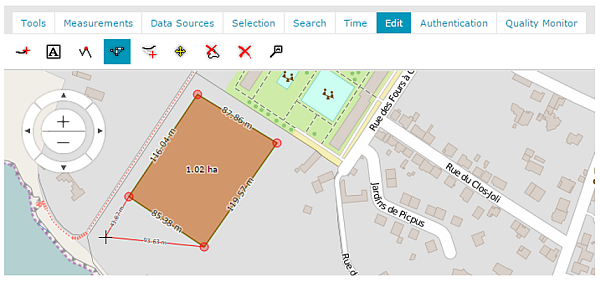
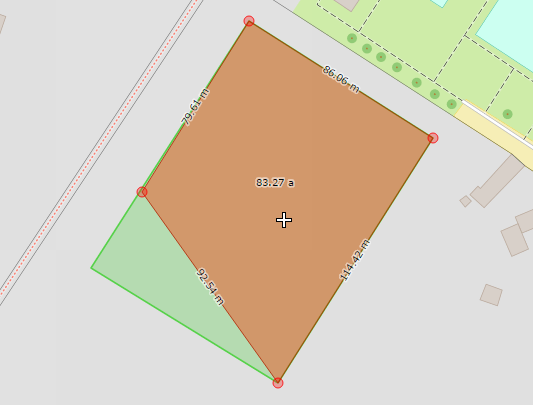
Click Edit geometry ; geometry highlights and is marked with lines and red points.
Move the cross-hair cursor to the geometry. Red lines will appear. Move the cursor and click to define a new shape for the geometry.
Move the cursor to one of the red points. The cursor style changes to the link-hand style. Click to display the available editing options, Move point and Delete point.
Select Move point to change the point's location. The geometry shape changes.
 ; geometry highlights and is marked with lines and red points.